THE RESULT YOU'RE WORKING TOWARD
Done means it works.
The same request opens consistently and an invalid id produces a safe missing-record message.
Practice project: Harbor request board01 / GET READY
Before you start.
- Platform / editor
- React + JavaScript + Supabase for the connected path; plain JavaScript local demo
- Access & plan
- The supplied local demo needs only a browser. The connected path requires Node, a React project, a Supabase development project and approved test accounts.
- Starting point
- Complete the previous lesson or use an equivalent prepared demo project.
Keep a note of the exact account, project and version you use. Work with demo data and record the expected result before making changes. Never place passwords, verification codes or private customer records in your evidence.
Download local interface example ↘ Try the local request board ↗The local example demonstrates the interface and browser storage. It has no server authentication or shared database. The connected-app lessons use the linked React/Supabase documentation.
02 / LEARN THE TOOL
Open the official walkthrough.
Use the publisher's instructions and available screenshots to locate the current controls. Then return here for the SETLY exercise and its result checks. These links open on the publisher's website.
Source credit belongs to the named publisher. These are external references, not SETLY recordings or a claim of affiliation. Screen names and plan availability can change.
03 / PUT IT INTO PRACTICE
Your task, step by step.
Use one labelled demo record or project so you can find your work again. Finish each action before continuing; if the screen differs, consult the matching official source rather than guessing.
- 01
Step 1
List the routes or views and the data each requires. Give every request a stable id rather than using its row position as identity.
- 02
Step 2
Make Add request open the creation view and each row open the corresponding detail. Include a clear way back to the list.
- 03
Step 3
Preserve unsaved user input when reasonable and confirm before discarding substantial edits. Ensure navigation changes are announced or titled appropriately.
- 04
Step 4
Test Back, reload and an unknown request id. A missing record should produce a clear state instead of another user's data or a blank screen.
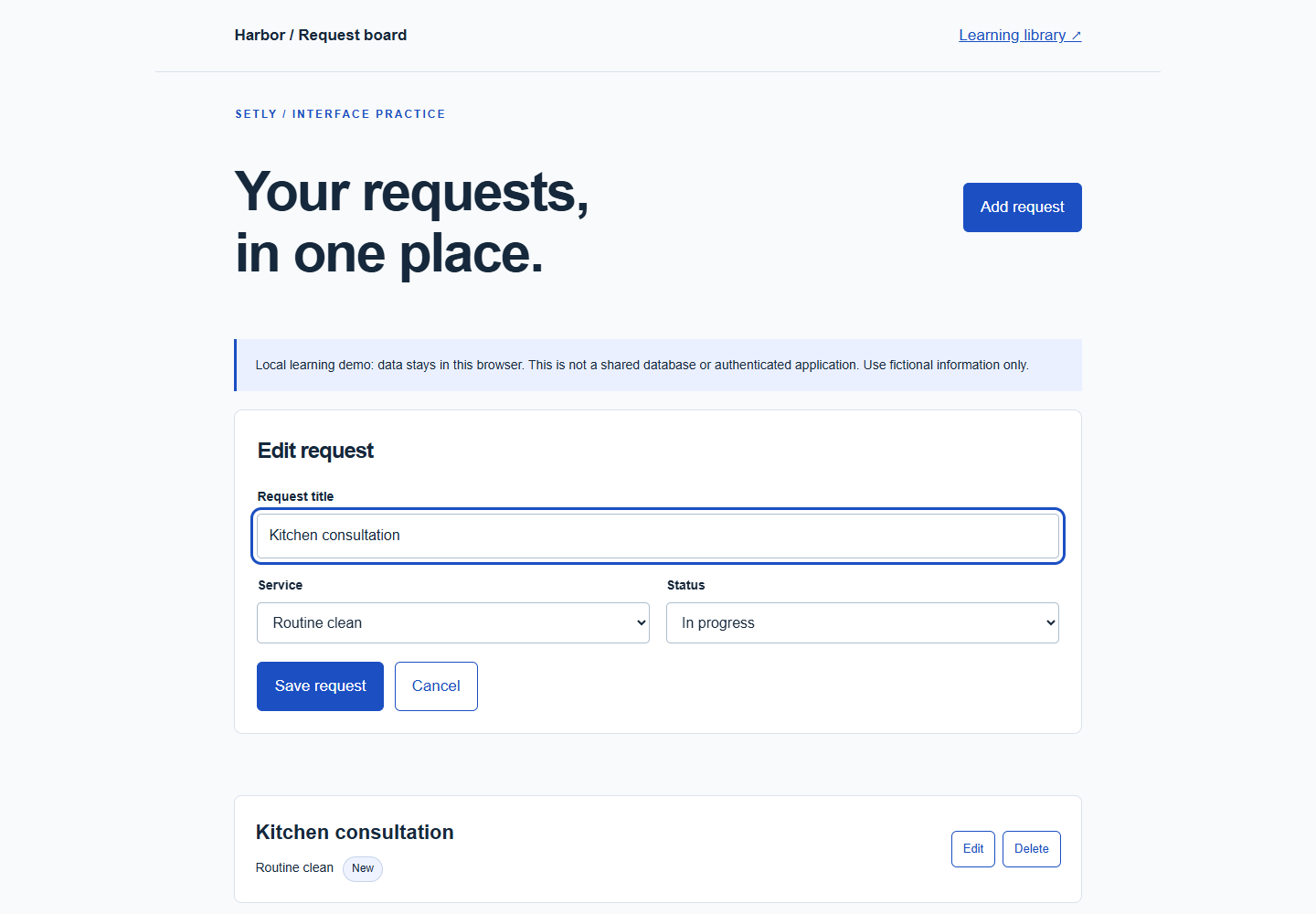
Captured from the supplied working example. The request board uses local browser storage; this is not evidence of a connected database or authentication.
Source: Ray / SETLY. Original SETLY example.
04 / GET UNSTUCK
If something goes wrong.
Start with the likely cause
If the wrong row opens after sorting, stop using array position as a record identifier.
My screen is different from the guide
Check the product, editor, account role and selected project first. Open the credited official instructions for your version. Record the difference and pause any action whose effect you cannot verify.
The screen looks correct, but the result is missing
Inspect the saved record, published page or execution log that should prove the action. A preview, success message or draft is not always evidence that data was stored or a message was delivered. Retest with one unique demo value.
05 / PROVE THE RESULT
Check it before you call it done.
The same request opens consistently and an invalid id produces a safe missing-record message.
Keep useful evidence
Record the test date, project/version, expected result, observed result and a non-sensitive screenshot or record reference. Mark anything you did not test as untested. Your checkmarks do not certify an untested result.
Download the editable verification checklist ↓Guide status: original written practice exercise with credited external references. SETLY screen recording and independent learner reproduction are not yet complete.